Switching from TinaCMS to PagesCMS
Why TinaCMS's visual editor sent me looking for a simpler option

Jimmy Penlesky
The Visual Editor Problem
When I started building Coach Lissa’s site, TinaCMS seemed like the right fit. It has two editing modes: a standard form-based editor and a visual editor where you can click directly on the page to make changes. The visual editor was the appealing one. It’s the kind of thing that makes handing a site off to a non-developer feel obvious and simple.
The catch is that TinaCMS’s visual editor requires React components. It has been an open discussion in the TinaCMS community for a while, and the short version is that because Astro doesn’t load JavaScript by default, there’s no mechanism for TinaCMS to push live updates through to the page without React handling the re-rendering. So to use visual editing in an Astro project, you essentially have to build your components twice: once in Astro, once in React.
That felt like the wrong direction I wanted to head. Part of the appeal of Astro is the simplicity of its component model. Layering React on top just to unlock a content editing feature for a small site wasn’t a trade-off worth making.
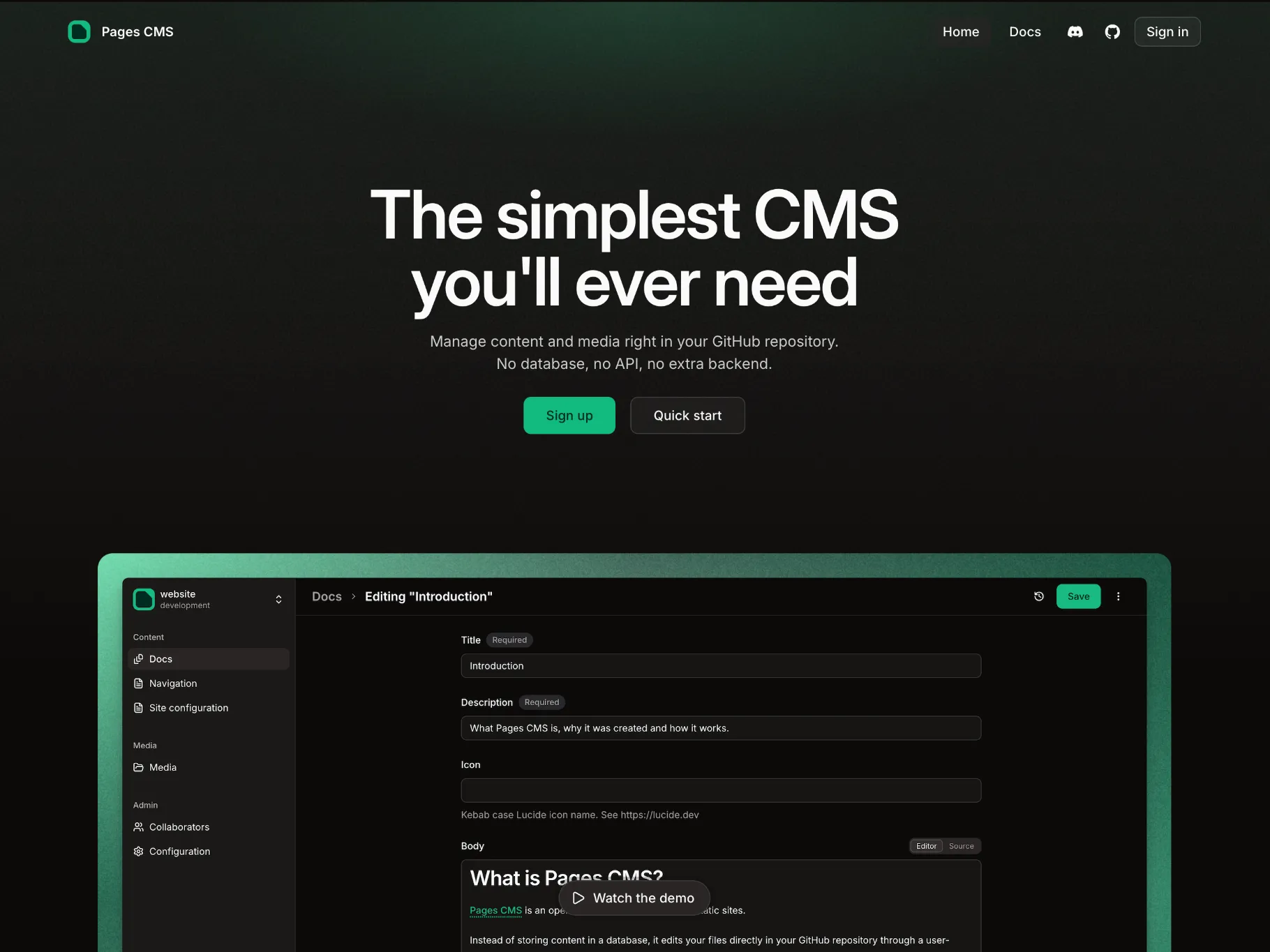
PagesCMS
PagesCMS had been on my radar for a while, and it happened to be releasing version 2 around the time I was reconsidering. The timing felt right to give it a try.
The setup was straightforward. Write a content YAML file to define your content structure, add some TypeScript to keep the data shapes consistent, and separate the content from the Astro components. The result is a clean separation between what the site looks like and what it says, which makes it easy for a non-developer to update text, swap out sections, and manage content without touching any code.
It also carries an MIT license, which made it an easy choice from a longevity and trust standpoint. And if PagesCMS ever stops functioning, the site is left with nothing worse than a folder of markdown or JSON files filled with content that can be edited directly or dropped into another content management system (CMS) without much work.
For a site like this, it turned out to be exactly the right tool. No unnecessary overhead, no rebuilding components in a second framework, just a well-structured content layer sitting neatly alongside an Astro project.