Unlocking Region and City Data in Umami Analytics
A quick fix for missing visitor location data in self-hosted Umami

Jimmy Penlesky
The Missing Piece
I switched to self-hosted Umami a while back and never looked back. It gives just enough insight into the few web projects I have going without the privacy implications or performance overhead of Google Analytics. Compared to self-hosting Plausible Analytics, Umami felt more feature-rich and straightforward to run.
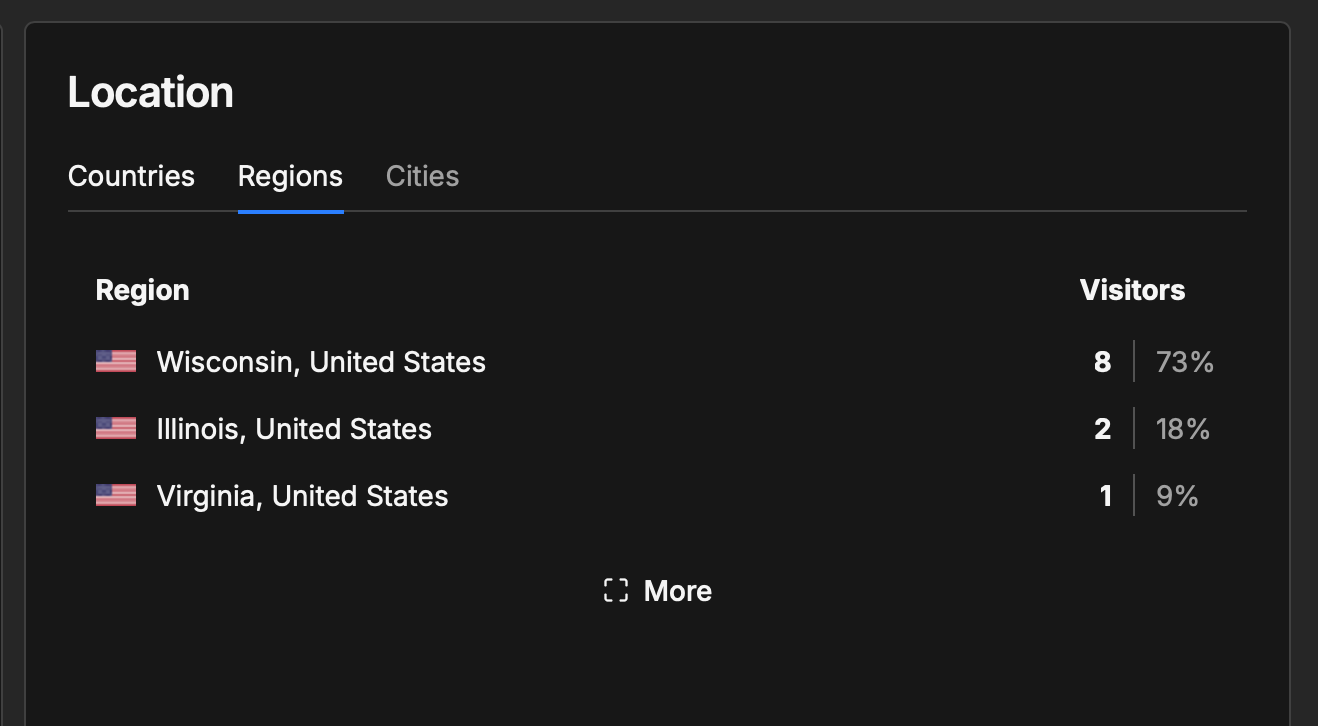
The one thing that bugged me for a while was that visitor region and city data just never showed up. Countries, yes. Anything more granular than that, nothing.
Turns out it is a Cloudflare issue, and the fix takes about thirty seconds. Daniel Garcia wrote up the solution and it cleared everything up immediately.
The Fix
Cloudflare does not pass visitor location headers to your server by default, which is what Umami relies on to populate region and city data. You just need to tell it to.
- Go to the domain in your Cloudflare dashboard
- Click Rules in the left sidebar, then Settings
- Under “HTTP request headers”, enable Add visitor location headers
That’s it. Region and city data will start populating from that point forward for new visits.
Worth noting this only applies if your site is proxied through Cloudflare. If you’re running Umami behind something else entirely, the fix will look different, but Cloudflare is the common culprit for self-hosted setups.